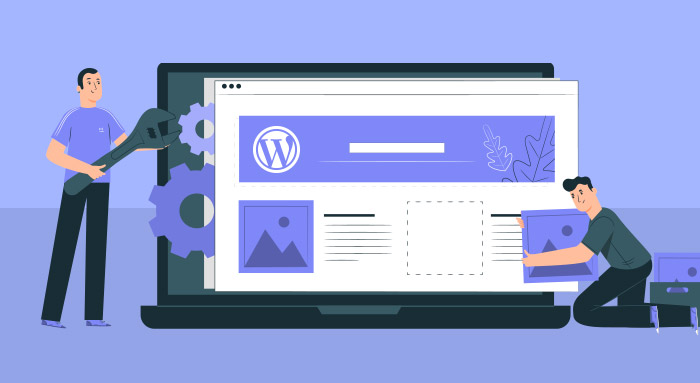
Modify a theme you purchased, or a free WordPress theme to create a design to meet your needs.
Theme Modification
The beauty of WordPress is that you can customize it to look like anything you want, and build in just about any functionality you need. Outsource WordPress theme customization to an experienced freelance WordPress developer to get it done quickly.
No doubt WordPress is promoted as “easy to use”. That’s why it is the most popular content management system used to build a website.
Customizing WordPress does require experience though. This takes time to learn all of the features and a technical background to understand it well. If you need to customize your WordPress theme, outsourcing this work a WordPress developer can save you a lot of time.
Maybe you found a free theme or purchased a premium WordPress theme and need to modify the design to include your colors, logo and font styles, or add your content. I provide smaller scale WordPress theme customization service like this. This work includes; creating child themes, installing and configuring plugins, adding and editing menus…
I also provide professional theme development services to create a completely custom theme. You provide me with a graphic file (.psd, .xd) of your web design and I will convert it into WordPress theme.
Design Modifications
Maybe you found a free theme or purchased a premium WordPress theme and need to modify the design to include your colors, logo and font styles, or add your content. I provide smaller scale WordPress theme customization service like this. This work includes; creating child themes, installing and configuring plugins, adding and editing menus…
I also provide professional theme development services to create a completely custom theme. You provide me with a graphic file (.psd, .xd) of your web design and I will convert it into WordPress theme.
Examples of Customizing WordPress Themes
New Theme Installations
Configuring Themes
Update Professional Themes
Make themes SEO friendly
Configuring Themes
Update & Change Menus
Change fonts
Change colors
Add new content
Create Child Themes
Add new plugins
Update plugins
Add custom fields (ACF)
Add and edit widgets
Change page layouts
Add social media icons
social media feeds like
Facebook posts, Twitter feeds and Instagram
WordPress Development
WordPress Maintenance and Management
WordPress is so popular with small companies because it’s affordable, and easy to install and learn. Configuring it properly during setup to customize it to your needs is beyond most non technical users experience. Sure you can Google “How do I…” and spend a lot of time trying to figure it out. Or outsource it to an experienced WordPress developer and save time and frustration.
Code Customizations
WordPress can be extended to add any functionality you can dream up. There are tens of thousands of plugins in the WordPress repository to customize how your website functions.
If you have a unique idea and a plugin does not exist yet, one can be coded to your exact needs. I have build hundreds of WordPress sites, with most of them going beyond the basic functionality of being a content management system for pages full of simple text and images.
Ways I can customize your website
Customizing WordPress can be a small job or be a larger website design or redesign project. It’s not full time ongoing work. Hiring a freelance WordPress developer instead of a dedicated hire is a good option for small companies that don’t have a need for an in house web developer.
Customizing WordPress theme colors, fonts and overall look.
Customize a purchased WordPress theme to your specifications.
Edit your existing WordPress theme to make it look up to date.
Create a custom WordPress theme from a layered .psd file.
Just like using WordPress to manage your website, customizing WordPress is not difficult, but there is a learning curve. With experience, you gain skills to do it effectively and efficiently.
WordPress outsourcing can save you a lot of time and frustration by hiring someone to customize it to meet your needs so you can focus on managing content.